

The Wahoo Kickr Core remains one of the best smart indoor trainers and is used by many riders who use indoor cycling and racing to stay fit. Its popularity stems from the unit’s reliability, durability, and relative accuracy, not to mention a price point that doesn’t require a second mortgage. Having first launched in 2018, there’s a new model in town – the Kickr Core 2.
While it borrows a host of modcons from the range-topping Wahoo Kickr V6, the Atlanta, Georgia-based company has kept most of the design blueprint unchanged over the original Core, which is good for two reasons: it keeps the price down and retains the familiarity that made the original such a well-received and successful unit.
The new features have elevated the overall package, boosting perceived quality while maintaining the realistic, refined user experience that the Core platform has built its reputation on.
The new Kickr Core 2 with Zwift Cog is compatible with almost all 8–13-speed bikes
(Image credit: Aaron Borrill)
Design details
The Kickr Core 2 is almost identical to the outgoing model, retaining the same body design and graphics, belt-drive configuration, and flywheel. While this might be disappointing to some, it ensures the Core 2 fits with Wahoo’s corporate identity and keeps pricing in line with the outgoing model – something that will appeal to both current and prospective users, given the cost-of-living crisis and rising supply chain shortages and costs.
That said, there are some structural changes around the legs and feet, which represent improvements. Where the original Wahoo Kickr Core utilised rounded legs, the Core 2 features a new colour-coded mounting bracket and flat legs, which are claimed to improve stability and provide a better support and pedalling platform. It all looks rather refined and well-manufactured.
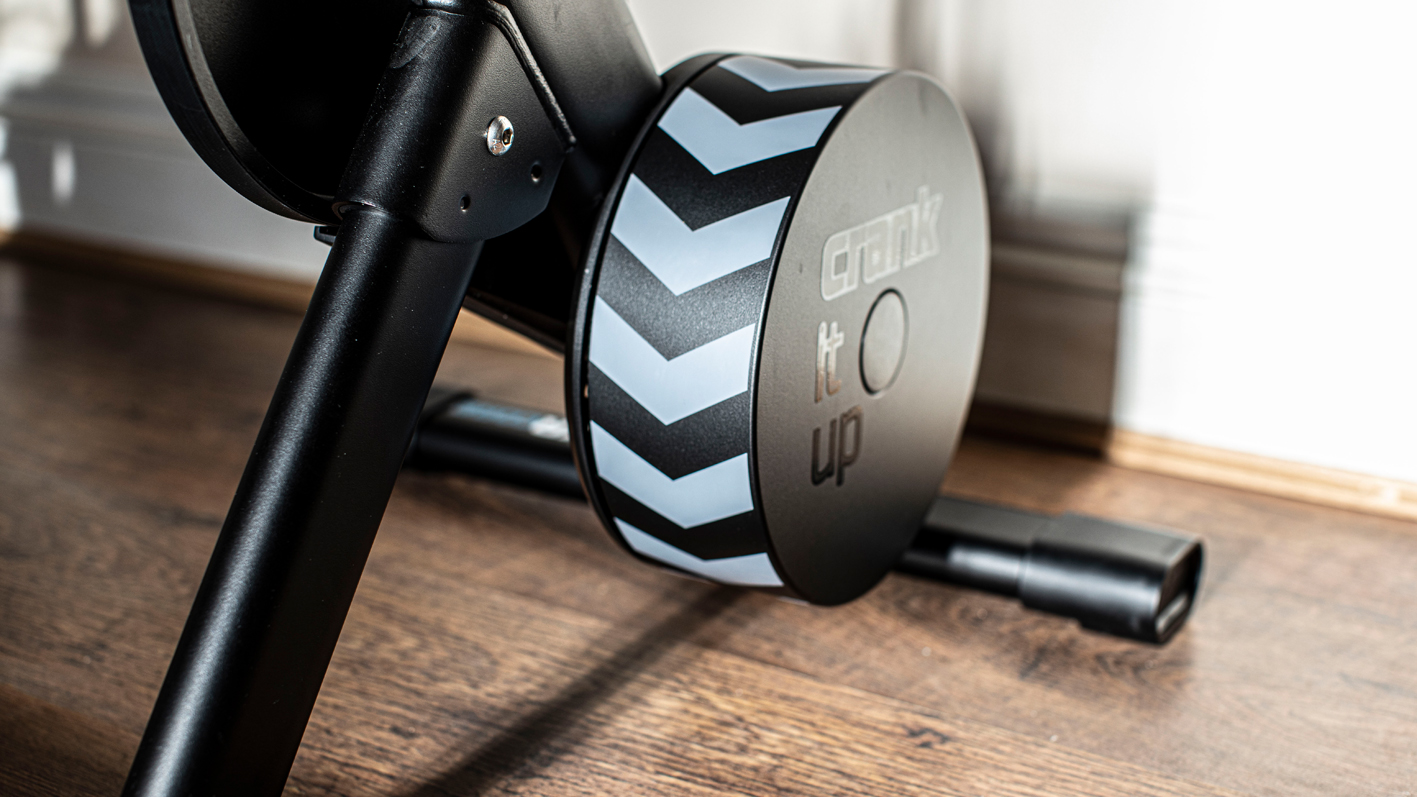
The Core 2 retains the same body design and graphics, belt-drive configuration, and flywheel of the original model
(Image credit: Aaron Borrill)
Eagle eye users will notice a few small but significant details on the unit itself. This includes the Wi-Fi logo and a multi-colour LED panel, introduced to aid diagnostics and troubleshooting. How it all works is somewhat complicated, but the upper LED indicates the connection status (Bluetooth or Wi-Fi) and flashes depending on the number of connections. The lower LED has five flash modes:…